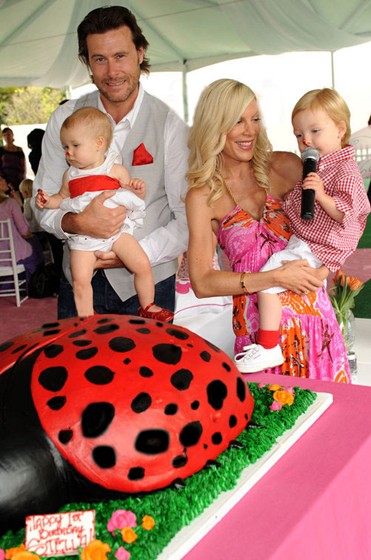
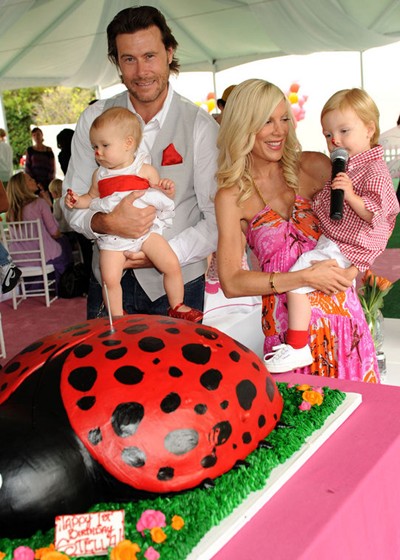
I completed my birthday party photo editing project. I started out by duplicating my background layer and creating a corrections layer. I used the spot healing and healing brush to remove the candle from around the baby's leg. After removing the candle I fixed the baby's leg to smoothen out where the candle previously was. I did this by using the clone tool to blend in the skin tone colors. Next, I used my brush to fix the black lady bug's spots. When it came to fixing the spot on the table, I used the clone tool. With this tool I was able to match the colors of the table to fix the spot that needed it. To remove the balloons from the picture, I used the clone tool to wipe over the balloons to match the white background. Now the balloons were removed. To remove the head next to tori's head, I used the clone tool. This got rid of the head completely. Again, I used the clone brush to remove the skin spots on tori's face and body. I also used it to remove the leg and shoe from the left side of the picture. Now my project was complete!
Comments: 0
There are no comments yet, be the first to write a comment!
 Kylie Siddell